Most vendors think of fill rate as a warehouse number. It is really a confirmation number.
By the time a shipment leaves the dock, the fill rate on that purchase order is already mostly decided. It was decided a few days earlier, when someone opened the PO and chose how many units to accept. Accept what you can really ship, and the warehouse only has to deliver it. Accept everything Amazon asked for when you don’t have it, and no amount of warehouse effort will save the number.
I spent a year at Leads Expert Group running purchase orders and chargeback disputes for a US brand on Vendor Central, and have run 1P accounts since. The pattern is the same on every account: the vendors with the cleanest fill rates are not the ones with the most stock. They are the ones who confirm honestly.
The three numbers Amazon watches
Vendor Central reports your purchase order performance in its operational performance reporting. The exact labels and targets vary by account, but they come down to three questions:
- Did you respond, and quickly? How many PO lines you acknowledged within Amazon’s window.
- Did you deliver what you confirmed? Fill rate: units received against units confirmed.
- Did it arrive on time? Whether confirmed units arrived inside the delivery window.
The second one is where most of the damage happens, and it is the one people misread. Fill rate is measured against what you confirmed, not against what Amazon originally asked for. That single fact decides how you should confirm.
How confirmation works
Every purchase order line gets one of three responses. These come straight from Amazon’s own acknowledgement documentation:
| Response | What it tells Amazon | When to use it |
|---|---|---|
| Accepted | You will ship this quantity, in this window | Stock is on hand or certain to arrive before the ship date |
| Backordered | You will ship it later, on a scheduled date | Stock is genuinely inbound and you can give a real date |
| Rejected | You will not ship this, for one of three reasons | You can’t supply it in this window |
The three rejection reasons are temporarily unavailable, invalid product identifier and obsolete product. Pick the true one. “Obsolete” tells Amazon the product is finished; “temporarily unavailable” tells it to expect you back.
Four rules from the same documentation are worth knowing by heart:
- Acknowledge within 24 hours, backordered items included.
- You can confirm less than Amazon ordered. A PO for 1,000 units can be accepted for 700.
- Update within 48 hours if quantities or dates change.
- A rejection is final. A rejected line cannot later be switched to accepted or backordered, so check inbound stock before you reject.
Accept everything, or confirm what you have?
Here is the decision that sets your fill rate. Take a hypothetical purchase order for 1,000 units when you have 700 on hand and nothing arriving before the ship date:
| Accept all 1,000, ship 700 | Accept 700, reject 300 | |
|---|---|---|
| Units confirmed | 1,000 | 700 |
| Units received by Amazon | 700 | 700 |
| Fill rate | 70% | 100% |
| What Amazon planned for | 1,000 units arriving | 700 arriving; 300 to source elsewhere or reorder |
| Likely consequences | Shortage and compliance deductions; Amazon plans around stock that never arrives, so the listing can run out | A lower confirmation on this PO, which is honest and explainable |
The same 700 units reach Amazon either way. The first choice records a failure and leaves Amazon planning around 300 units that don’t exist. The second records a clean delivery and gives Amazon the truth early enough to act on it.
If the missing 300 are genuinely on the way, backordering them with a real date is better still. Only use a date you’d bet on, though: a backorder you then miss is a short shipment with extra steps.
The case study on this site puts it plainly: accepting an order you cannot fill is worse than declining it.
What happens after confirmation
Confirming honestly is most of the job. The rest is delivering exactly what you confirmed:
- Ship inside the window. Early is a compliance problem too, not only late. Shipping outside Amazon’s window or routing instructions can lead to delayed receiving, refused deliveries and chargebacks.
- Make the paperwork match the boxes. The advance shipping notice has to describe what is actually in the truck. A mismatch creates receiving discrepancies and deductions, even when every unit arrived.
- Never ship against a cancelled PO. Past-due orders move to “Items pending cancellation” in Vendor Central. Shipping against one creates a receiving problem instead of a sale.
- Reconcile ordered, shipped and received together, every week, not at quarter end. Shortage claims get harder to dispute the longer they sit.
A daily and weekly routine that holds up
Every day (within Amazon’s 24 hours):
- Pull new POs.
- Check each line against stock on hand and inbound stock with firm arrival dates. Don’t count stock that is only “expected”.
- Accept what you can ship in the window. Backorder only against a real date. Reject the rest with the true reason.
- Flag anything unusual to whoever owns supply: a big jump in ordered quantity, a new ASIN, a product you’re about to discontinue.
Every week:
- Compare confirmed, shipped and received per PO. Chase any gap while it’s fresh.
- Check deliveries against their windows.
- Look at the ASINs you rejected most. Repeated rejections of a product you still sell is a supply problem to fix, not a confirmation habit.
- Review chargebacks by reason code. Most trace back to a confirmation or ASN mistake.
What good looks like
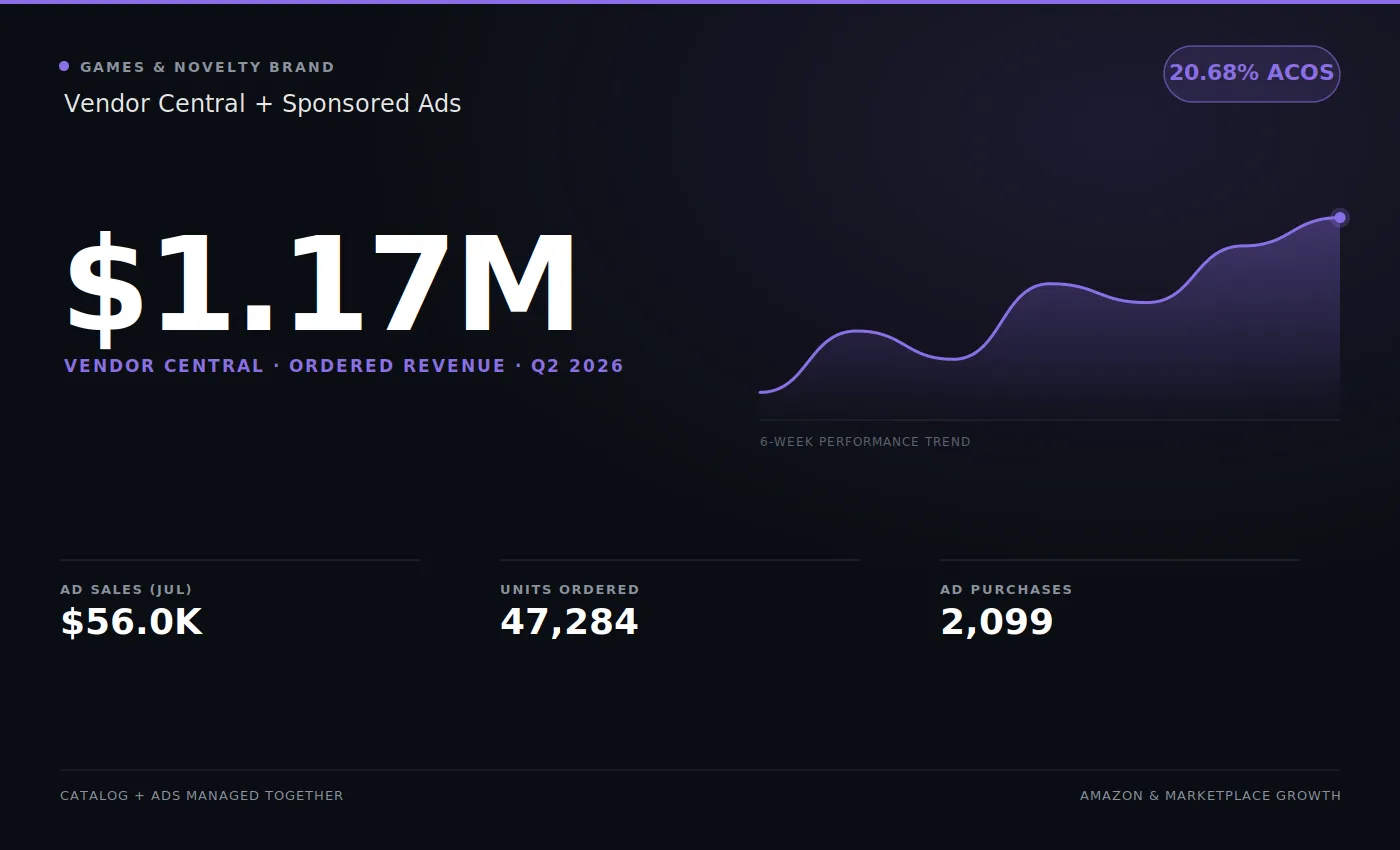
On the Vendor Central quarter in our portfolio, ordered and shipped revenue both landed at roughly $1.18M, within about a tenth of a percent of each other. That didn’t come from having more stock than Amazon asked for. It came from the daily habit above: confirming what could be filled, and filling what was confirmed.
That record pays off twice. Amazon orders with more confidence from a vendor whose confirmations turn into deliveries. It is also evidence when the annual vendor negotiation comes round, or when you need a cost price increase approved. A vendor who delivers what it promises is easier to say yes to.
If purchase orders, fill rate and chargebacks are eating your team’s week, this is the day-to-day work our Amazon Vendor Central experts take on.