Every vendor tracks its own margin. Amazon tracks a different one: its margin on you.
That number is Net PPM, and on a first-party account it decides more than most vendors realise. It shapes how much Amazon orders, how hard it pushes in the annual vendor negotiation, whether a cost price increase gets approved, and whether Amazon keeps selling a product at all. Most vendors only look at it after something has already gone wrong.
What Net PPM measures
Net PPM stands for net pure product margin. It’s Amazon’s retail margin on the products it buys from you, after your trade terms and any customer discounts Amazon pays for, as a percentage of what it sold them for:
Net PPM = (shipped revenue − shipped COGS + vendor terms − sales discounts) ÷ shipped revenue
| Component | What it is | Effect on Net PPM |
|---|---|---|
| Shipped revenue | What Amazon took from customers for the units it shipped | The base the percentage is taken from |
| Shipped COGS | What Amazon paid you for those units: your cost price | Lowers it |
| Vendor terms | The co-op, accruals and allowances you fund, such as marketing, freight and damage allowances. These are the contra-COGS covered in our chargebacks guide. | Raises it |
| Sales discounts | Customer discounts Amazon pays for, such as coupon face value | Lowers it |
Two things about this formula trip vendors up.
Vendor terms count in Amazon’s favour. Every point of co-op or allowance you agree to is money flowing to Amazon, so it lifts Amazon’s Net PPM. Advice to “cut co-op to improve Net PPM” gets it backwards: cutting co-op improves your margin and lowers Amazon’s.
Amazon’s own costs are not in it. Net PPM stops at product margin. What it costs Amazon to receive, store, pick, pack and deliver the item is left out. That gap is where CRaP comes in, covered below.
A worked example
Take the same hypothetical product from our AVN and cost increase guides. Amazon sells it at $29.99 and buys it from you at $20, and your trade terms come to 18.6% of cost price, or $3.72 a unit.
Net PPM = ($29.99 − $20.00 + $3.72) ÷ $29.99 = 45.7%
Now change one thing at a time:
| Scenario | Selling price | Cost price | Terms | Net PPM |
|---|---|---|---|---|
| Starting point | $29.99 | $20.00 | $3.72 | 45.7% |
| Another retailer drops to $24.99 and Amazon matches | $24.99 | $20.00 | $3.72 | 34.9% |
| Your 5% cost increase is approved | $29.99 | $21.00 | $3.91 | 43.0% |
| Your terms rise by 91 basis points, to 19.51% | $29.99 | $20.00 | $3.90 | 46.3% |
Three things stand out.
- Price erosion is the biggest mover, and you didn’t agree to it. A discount at another retailer that Amazon matches takes almost 11 points off Amazon’s margin on your product. That is usually when vendor managers start asking for “margin support”.
- Your cost increase costs Amazon almost 3 points. That’s why those requests get refused unless the evidence behind them is strong.
- Terms move Net PPM less than you’d think. Terms are charged on your cost price, not the selling price, so 0.91 points of extra terms adds only about 0.6 points of Net PPM here. Keeping the selling price steady matters far more, for both of you.
Where to find it in Vendor Central
The Net PPM report sits under Reports → Retail Analytics → Net PPM. It shows Net PPM by ASIN in daily, weekly and monthly views, and the data typically runs two to three days behind. Reason Automation documents the report’s structure in detail.
Two caveats before you act on it:
- The terms in it are estimates. Retail Analytics approximates your contra-COGS rather than reading the actual deductions from your remittances, so its figure can differ from the one your vendor manager quotes (Reason Automation).
- Trends matter more than decimals. Use the report to spot which ASINs are falling and why, not to argue over half a point.
What counts as a good Net PPM
Amazon doesn’t publish targets, and published estimates disagree. MerchantSpring suggests roughly 40–45% for hardlines, 30–37% for softlines and 27–35% for consumables, and notes these are approximations that vary by sub-category and over time. Other guides put the same categories much lower. Intentwise points out that the healthy threshold is set ASIN by ASIN.
So treat any published number as a rough guide. Two things tell you more:
- Ask your vendor manager what your category is held to.
- Rank your own catalog. ASINs well below your account average, or falling fastest, are the ones Amazon is looking at too.
Your margin and Amazon’s pull against each other
This is the part most Net PPM guides miss: your margin and Amazon’s Net PPM are split from the same dollars.
Every dollar of terms you agree to comes off your margin and goes onto Amazon’s. Every cost increase Amazon approves moves money the other way. The annual vendor negotiation is, in the end, an argument about where that line sits.
So the levers worth leading with are the ones that improve Amazon’s economics without taking from yours:
- Holding the selling price, by keeping prices consistent at other retailers.
- Shifting sales towards your higher-margin ASINs.
- Fixing products whose pack size or packaging makes them expensive for Amazon to handle.
Almost everything else is a transfer from one side to the other.
CRaP: when a healthy Net PPM isn’t enough
CRaP stands for Can’t Realize a Profit. It’s Amazon’s label for a product that loses it money once its own costs are counted: inbound freight, storage, picking, packing and delivery. Net PPM leaves those costs out, which is how a product can look fine on Net PPM and still be CRaP.
Low-priced items are the classic case. Take a second hypothetical: a single unit Amazon sells at $6.99 and buys from you at $4.00, with the same 18.6% terms. Amazon doesn’t publish its handling cost per order, so assume $5.00 for illustration:
| Single unit | 3-pack | |
|---|---|---|
| Selling price | $6.99 | $18.99 |
| Cost price | $4.00 | $12.00 |
| Terms (18.6%) | $0.74 | $2.23 |
| Net PPM | 53.4% | 48.6% |
| Amazon’s handling cost (assumed) | $5.00 | $5.50 |
| Amazon’s profit per order | −$1.27 | +$3.72 |
The single unit has the better Net PPM and loses Amazon money on every order. The 3-pack has a slightly lower Net PPM and makes money, because the cost of handling one order is spread over three units. That’s why multipacks are the usual fix for a CRaP product.
What typically pushes a product into CRaP, according to eComEngine:
- a low selling price, with items under about $10 the usual suspects;
- heavy or bulky packaging relative to the price;
- heavy discounting and price wars;
- high return rates;
- short shelf life, where aged stock has to be cleared.
CommerceIQ adds price erosion from other retailers: when a competitor discounts, Amazon’s price follows it down.
What happens next. Amazon rarely announces it. The signs are:
- purchase orders for the ASIN shrink or stop;
- the listing loses visibility or shows as unavailable;
- it drops out of Subscribe & Save;
- advertising and promotions get paused.
If an ASIN’s orders stop while demand looks steady, check its Net PPM and CRaP risk before anything else.
How to improve Net PPM, and stay out of CRaP
Start with the first three. They improve Amazon’s economics without taking anything from yours.
- Protect your price everywhere. Amazon matches the lowest price it finds, so a discount at another retailer comes straight off Amazon’s margin on your product. Consistent pricing across channels is the single biggest protection for Net PPM.
- Sell more of what earns more. Point advertising, deals and content at the ASINs with the strongest Net PPM. Account-level Net PPM rises without any single product’s economics changing.
- Fix pack configuration on low-price items. Multipacks and bundles raise the selling price per order, so Amazon’s handling cost is covered, as the 3-pack example shows.
- Shrink the packaging. Lighter, smaller packaging lowers what Amazon spends to store and ship each unit. It won’t show in Net PPM, but it can keep a product out of CRaP.
- Cut returns and damage. Both add to Amazon’s cost of selling the product, and on low-priced items they can tip it into CRaP.
- Treat terms as a trade, not a gift. Terms raise Amazon’s Net PPM at your expense. Agree to them in the annual negotiation only in exchange for something: volume, a promotion, a better term elsewhere.
- Move or retire what can’t make it. Some products won’t work on 1P at any realistic price. Selling them through Seller Central instead puts pricing and fulfilment costs back in your hands.
A monthly Net PPM check
- Pull the Net PPM report by ASIN for the last full month.
- Rank ASINs by Net PPM and by revenue. Flag anything well below your account average that also sells in volume.
- For each flagged ASIN, check its price at other retailers. Price erosion is the most common cause of a sudden drop.
- Check purchase orders for the flagged ASINs. Orders shrinking while demand holds is an early warning.
- Note which products need a pack, packaging or pricing fix, and which you’d rather move to Seller Central.
- Keep the list. It’s your preparation for the next annual vendor negotiation.
Where this fits
Net PPM is the other side of every number in this series:
- a cost price increase lowers it;
- the terms you agree in AVN raise it;
- a reliable fill rate keeps Amazon ordering while you work on it;
- the chargeback reconciliation shows what the account really costs you.
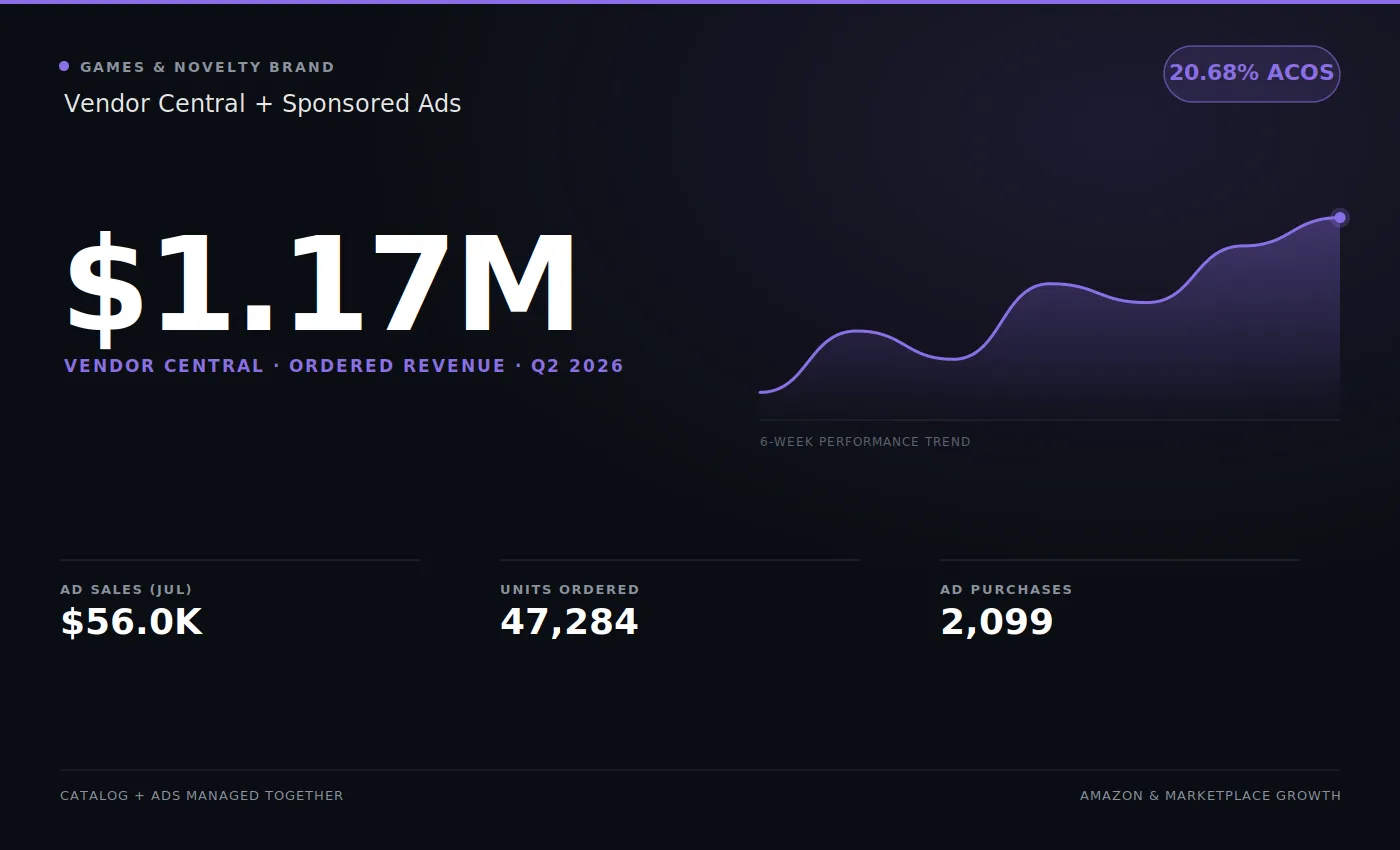
On the Vendor Central account in our portfolio, the average unit sold for around $25. At that price point, a few dollars of price erosion at another retailer moves Amazon’s margin by several points. That’s why we watch Net PPM ASIN by ASIN, not as a single account number.
Keeping Amazon’s margin and yours in view at the same time is a large part of what our Amazon Vendor Central experts do on 1P accounts.