On Vendor Central you don’t set the retail price. The one price you do control is the cost Amazon pays you, and changing it means asking permission.
When your own costs rise (materials, freight, tariffs, currency), the request is easy to file and hard to win. Amazon rarely accepts cost increases as submitted, and most requests come back rejected. The vendors who get them through do most of the work before they press upload.
How the request works
- In Vendor Central, open Items, then Edit Item Costs.
- Download the cost file (a spreadsheet).
- For each ASIN, enter the current cost, the new cost and a reason for the change. The reasons offered cover tariffs, labour, shipping, raw materials and foreign exchange.
- Name the file in the format Vendor Central specifies, and upload it.
- Amazon says it reviews requests within 7 to 60 days, and replies by email. Some rejections include a link to appeal.
Submit the affected catalog as one request, not ASIN by ASIN, and submit it early. If your supplier’s increase lands on the first of the month, a request filed that week may not be answered for two months, and every purchase order in between ships at the old cost.
Why most requests are rejected
Look at it from Amazon’s side. Amazon sets the retail price to match the market, so it usually cannot pass your increase on to the shopper. Every dollar you add to cost comes straight out of Amazon’s margin on your product.
Take a hypothetical product that Amazon sells at $29.99 and buys from you at $20:
| Before | After a 5% cost increase | |
|---|---|---|
| Retail price (set by Amazon) | $29.99 | $29.99 |
| Cost price paid to you | $20.00 | $21.00 |
| Amazon’s front margin | $9.99 | $8.99 |
A 5% increase for you is a 10% cut in Amazon’s margin on that product. That is the number the reviewer is looking at, and it’s why a request with only a reason code attached is easy to refuse. It feeds straight into Amazon’s Net PPM, the margin measure it uses to decide what to keep ordering.
Now look at your side. Use the same example as our annual vendor negotiations guide, where trade terms take 18.6% of cost price:
| Your margin per unit | |
|---|---|
| Today: $20 cost price, $14 cost of goods | $2.28 |
| Your cost of goods rises to $15; request rejected | $1.28 (−44%) |
| Your cost of goods rises to $15; $21 cost price approved | $2.09 |
A $1 rise in your costs takes almost half your real margin if the increase is refused. That is why this request is worth preparing properly.
The justification pack
Send this with the request, and to your vendor manager if you have one:
- A line per ASIN: current cost, new cost, percentage change and effective date. Show the average increase across the catalog too.
- The evidence behind each reason: supplier invoices or price letters, freight quotes, tariff notices, exchange-rate movement. Dated documents, not a summary.
- Proof it isn’t Amazon-only: your updated wholesale price list, or confirmation that other retailers are getting the same increase. An increase that looks aimed only at Amazon is the easiest to reject.
- The effect on Amazon’s margin, calculated by you. Show you know what it costs them, and which ASINs stay healthy after the change.
- What you offer in return: absorbing part of the increase on hero products, a promotion, better delivery performance. Something that makes yes easier.
- Your fallback, for your own planning: what you’ll do with each ASIN if the answer is no.
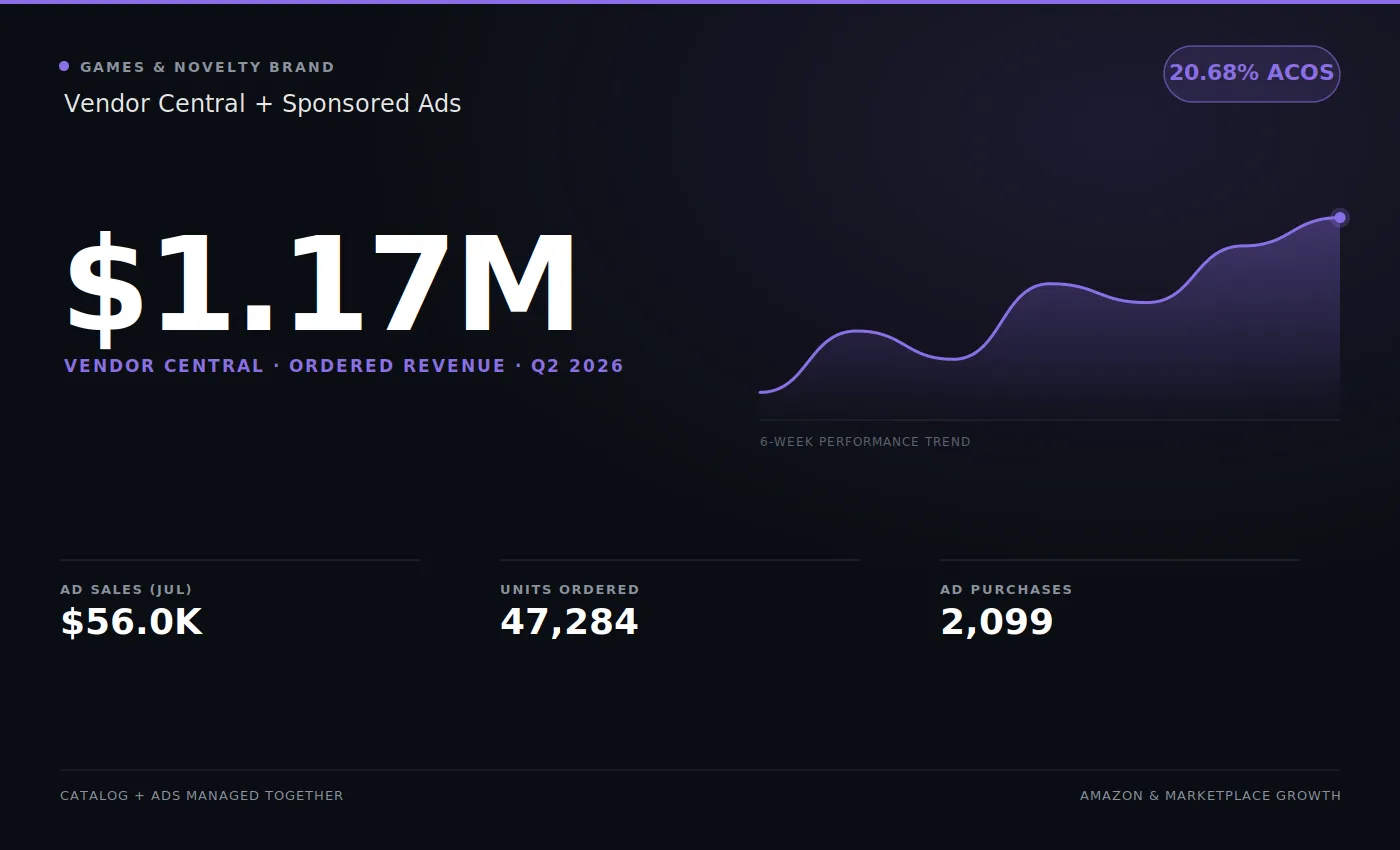
Your operational record counts here too. A vendor who fills purchase orders reliably and keeps chargebacks down is easier to say yes to. On the Vendor Central quarter in our portfolio, ordered and shipped revenue landed within about a tenth of a percent of each other. That kind of record is what backs up a request.
When the answer is no
A rejection is not the end of it, but the options narrow:
- Appeal if the rejection email offers a link, with any evidence you left out the first time.
- Escalate through your vendor manager, if you have one. A conversation gets further than a spreadsheet.
- Bring it into the annual vendor negotiation. Cost price and trade terms can be traded against each other there, so a cost increase refused mid-year can be won as part of the wider deal. Our AVN preparation guide covers how.
- Decide what to do with the products that no longer make money at the old cost. That might mean confirming fewer purchase orders, or moving those ASINs to Seller Central, where you set the price yourself.
The worst option is the common one: accepting the rejection and carrying on shipping at a loss, because nobody worked out the per-ASIN margin.
Where this fits
Cost price, trade terms and chargebacks are the three things that decide what a 1P vendor keeps. They get negotiated at different times, but they come out of the same margin. Keeping all three in view, and preparing each request before it’s needed, is a large part of what our Amazon Vendor Central experts do.